The walk-around with a clipboard is disappearing. Some of the biggest rental brands now drive returned cars through camera tunnels that photograph every panel and let software decide what counts as new damage. That can be faster and fairer — or it can turn a speck of road grime into a bill. Here’s what’s changing and how to make sure the only AI judging your rental isn’t theirs.
What rental companies are using
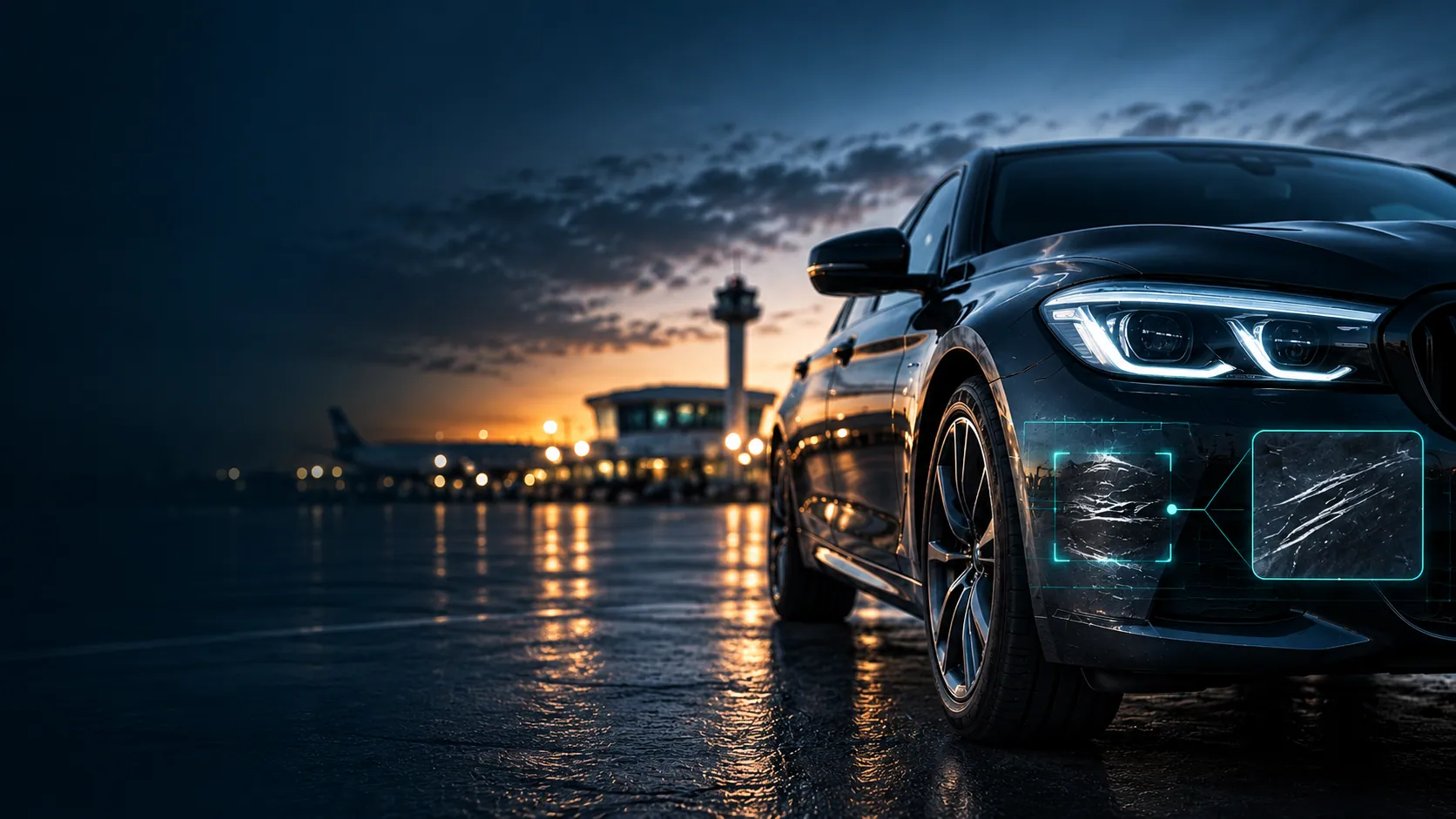
- Hertz + UVeye. In April 2025 Hertz announced a partnership with UVeye to deploy drive-through AI inspection systems at major US airports. UVeye’s cameras scan bodywork, glass, tyres and the underbody.
- Sixt Car Gate. Sixt uses its own scanner gate with built-in cameras, sensors and lighting, scanning the car on the way out and again on return. Sixt says staff review AI-flagged damage before a customer is charged (The Drive).
- Scale. UVeye says its systems inspect millions of vehicles a month across dealerships, service centres and rental locations (CBS News via Yahoo).
The industry itself treats this as its most controversial topic of the past year: the 2026 International Car Rental Show in Texas held the first open session on it (Auto Rental News).
Why renters are worried
UVeye markets its system on capturing “6x higher total value of damage” (Washington Times). For a fleet owner that’s efficiency. For a renter it raises a simple question: was that mark there before I took the car?
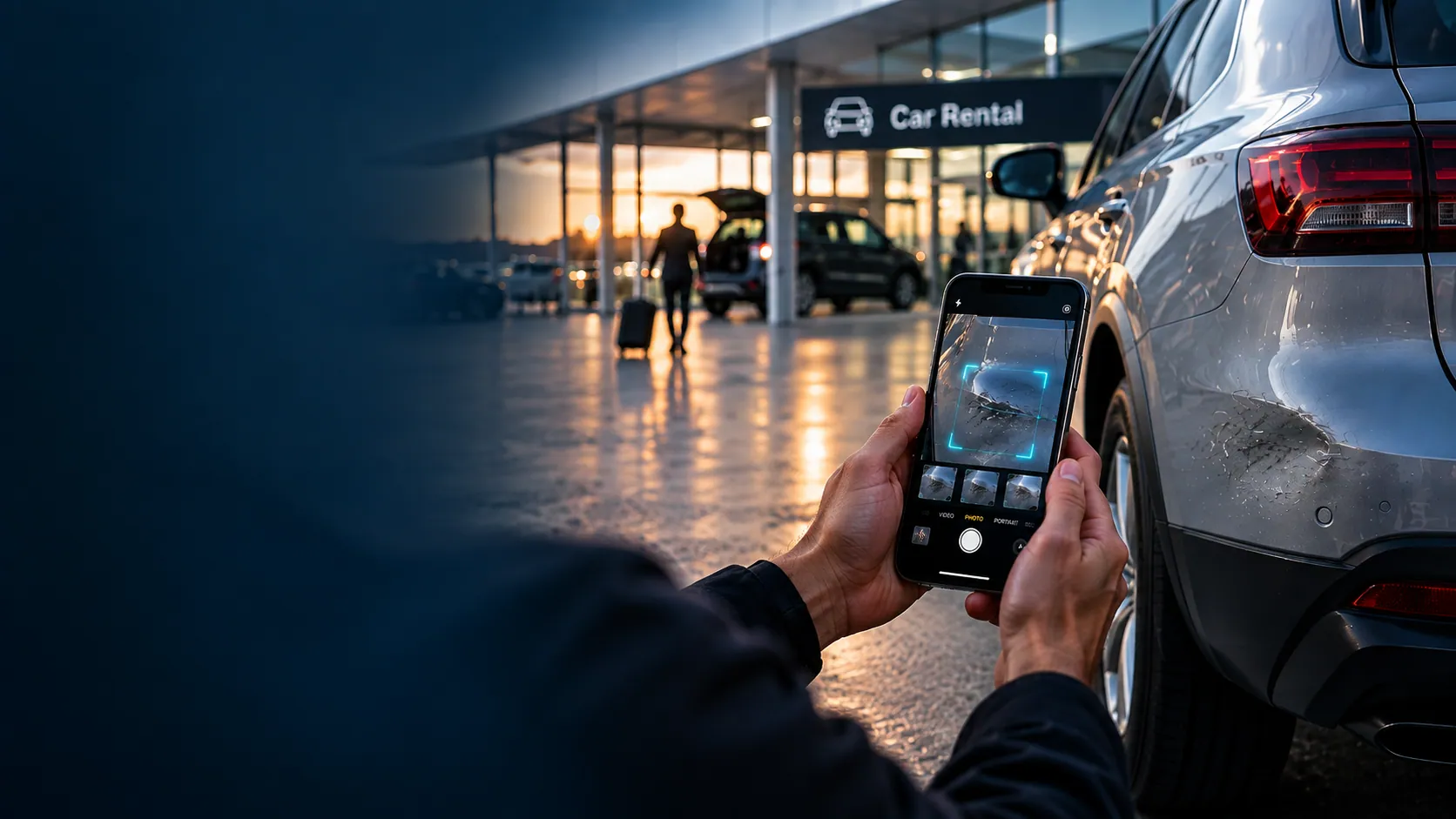
In November 2026 the US consumer group PIRG warned that AI inspection is far from perfect and can misread things like dirt as a dent. Its advice was blunt: take your own photos and video before and after every rental (InvestigateTV/WSMV).
The core problem isn’t the technology. It’s that only one side holds the record.
The fix: hold your own record
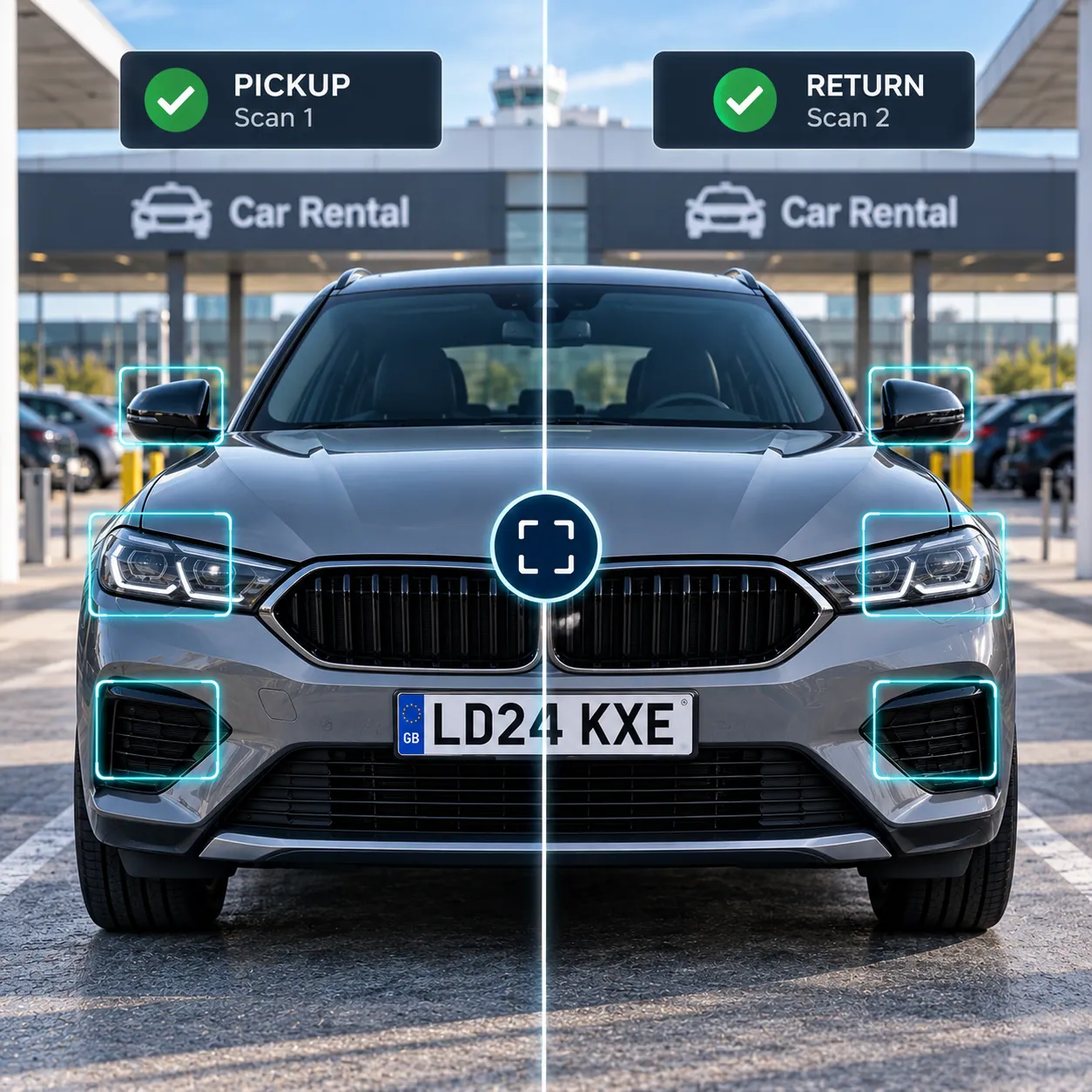
A company scan proves what the car looked like at return. Without a matching record from pickup, you have nothing to compare it to. Three things make your own record count:
- A pickup baseline. Every scuff, chip and kerbed wheel captured before you drive off.
- A return record. The same car, same angles, at drop-off — ideally before you hand back the keys.
- Proof of when and where. Timestamps and location data show the images weren’t taken days later or somewhere else.
Phone photos can do this if you’re thorough and consistent. The weak point is that people rush, miss low panels and wheels, and end up with 40 unlabelled images that are hard to compare months later.
Where DetectDamage.ai fits
DetectDamage.ai gives you the same kind of record the rental desk has — on your side of the counter. You open a link in your browser, the app guides you round the car, and AI flags visible exterior damage. You get a timestamped, geo-tagged PDF you can send to the rental company, your excess insurer or your card provider. The Traveller Special covers both pickup and return scans for £10.
No report can guarantee how a dispute ends. But when a scanner says “new damage”, the renter who can show the same mark on a dated pickup scan is in a very different position from the renter who can’t.
Quick checklist if your return is AI-scanned
- Scan or photograph the car yourself at pickup, before leaving the bay.
- Ask at the desk whether returns are scanned and how flagged damage is reviewed.
- Wash off heavy dirt if possible — it’s the most common false flag.
- Do your own return scan before driving through any gate.
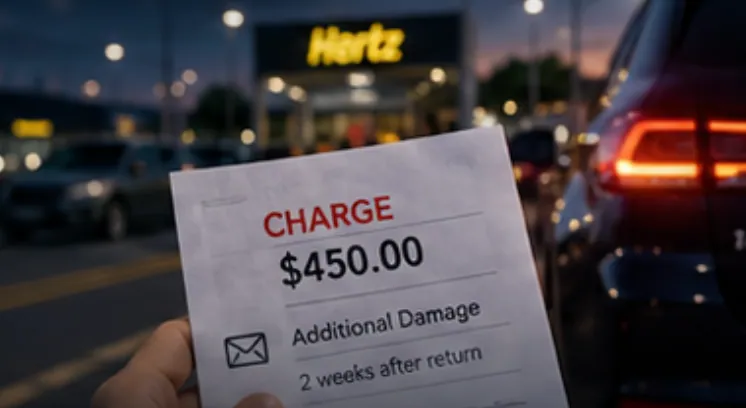
- If you’re billed, ask for the before and after images, not just the after.
Renting soon? Get both scans for £10 → detectdamage.ai/pricing
Frequently asked questions
Do UK rental companies use AI scanners?
The best-documented rollouts so far are at US airports. Sixt operates Car Gate at selected locations and runs across Europe, so it’s worth asking at your branch.
Can I refuse an AI scan?
Generally no; it’s part of the company’s return process. You can, however, keep your own independent record.
Is my own AI scan accepted as evidence?
A timestamped, geo-tagged record can be shared with rental firms, insurers and card providers. How much weight it gets depends on who’s reviewing the dispute.